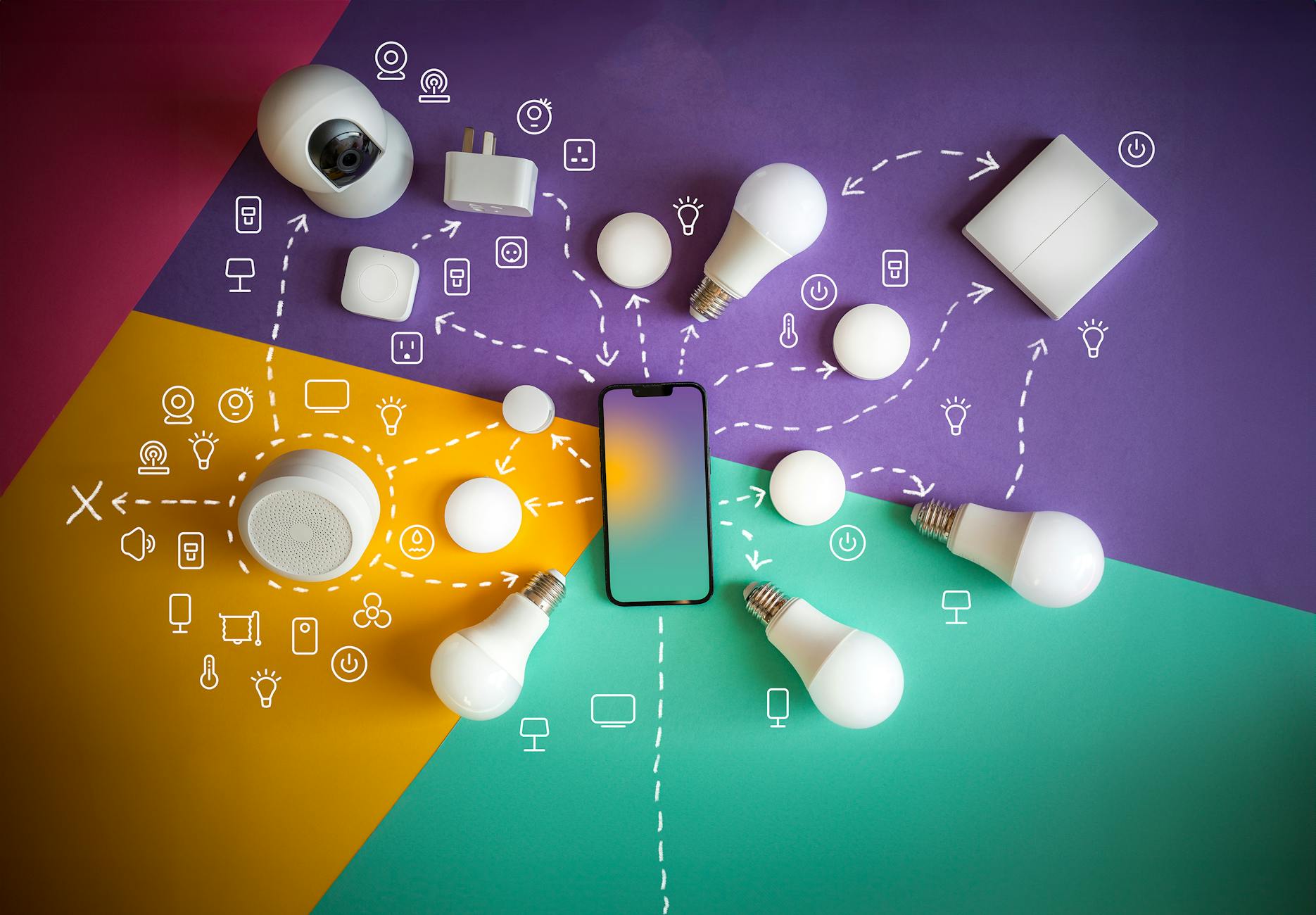
How to Integrate IoT Devices with google Assistant: An Engineer’s Deep Dive
Integrating Internet of Things (IoT) devices with Google Assistant is more than a convenience hack — it represents a convergence of voice AI, cloud infrastructure, and device interoperability that, when executed correctly, transforms user experience and delivers considerable business value. For engineers, developers, and technology decision-makers navigating this landscape, understanding the multi-layered process of integration is essential.
This article offers a technically rich and practical exploration of how to embed your IoT devices within the Google Assistant ecosystem. Avoiding generic overviews, it focuses on system design, APIs, security, performance KPIs, and real-world submission strategies to push the boundaries of what’s possible in ambient computing.
Google Assistant and the IoT Ecosystem: Architecture and Protocols
Understanding Google Assistant’s Role in Smart Home Integration
Google Assistant functions as the smart interface that abstracts voice commands to actionable requests. In the context of IoT, it acts as a middleware connecting end user voice intents with cloud services and physical devices.
At a high level, the sequence involves:
- User voice command → Google Assistant processes intent → Sends structured requests to device cloud
- Device cloud authenticates & forwards commands → IoT device executes action → Status updates propagated back to Google Assistant
This two-way communication is facilitated primarily through Google’s Smart Home Actions API, which defines standardized interfaces, device traits, and fulfillment mechanisms.
Communications Protocols: MQTT, HTTP, and Local Home SDK
in integrating IoT with Google Assistant, understanding communication protocols is vital:
- MQTT stands out for its lightweight pub/sub model suited for constrained devices. device clouds ofen leverage MQTT brokers to relay messages efficiently.
- HTTPS/REST APIs accommodate device cloud control and are the backbone of Google’s Smart Home fulfillment architecture.
- Local Home SDK enables devices to bypass cloud latency by communicating directly with Google Nest devices over local network protocols such as mDNS and UDP. This dramatically reduces command latency and enhances reliability.
This powerful architectural versatility to select between local and cloud-based control enhances user experience and system resilience.
Technical Prerequisites and Developer Habitat Setup
Google Cloud Console and Project Configuration
Before coding, developers must establish a centralized project in the Google Cloud Console. This involves:
- Creating a GCP project that will represent your IoT device infrastructure as a service.
- Enabling the Google Home Graph API needed for device state synchronization.
- Setting up OAuth 2.0 credentials for secure user account linking and authentication.
Registering Devices and Defining Traits
IoT devices must be modeled against pre-defined device types and device traits within Google’s schema. This step includes:
- Defining device categories such as ‘light’, ‘thermostat’, or ’lock’.
- Assigning standardized traits that specify device capabilities, e.g.,
action.devices.traits.OnOfffor basic power control,action.devices.traits.TemperatureSettingfor thermostats. - preparing device metadata like manufacturer name, model, and description for Google home’s UI.
Accurate trait mapping ensures voice commands invoke the correct device actions and reduce errors in fulfillment.
Implementing Smart Home Actions Fulfillment
Webhook Endpoint Design and Cloud Function Deployment
The heart of the integration lies in implementing a webhook service compliant with Google’s Smart Home intents. This service processes requests from Google Assistant and translates them into device commands.
Developers typically deploy fulfillment code as serverless cloud functions on platforms such as google Cloud Functions or Firebase. Critical intents include:
SYNC– informs google Assistant of user devices and traits.QUERY – returns current device states.EXECUTE– processes user commands, like turning on a device.DISCONNECT– manages user account unlinking.
exports.smarthomeFulfillment = (req, res) => {

  const intent = req.body.inputs[0].intent;

  switch(intent) {

    case "action.devices.SYNC":

      // Return list of devices

      break;

    case "action.devices.QUERY":

      // Return state of requested device(s)

      break;

    case "action.devices.EXECUTE":

      // Send commands to devices

      break;

    case "action.devices.DISCONNECT":

      // Handle unlinking logic

      break;

    default:

      res.status(400).send('Unsupported intent');

  }

};
State Reporting and HomeGraph Synchronization
For smooth user experience,keeping Google’s Home Graph updated with the latest device states is crucial.Home Graph acts as the centralized state repository.
Utilize the Report State API to push asynchronous state changes. Real-time updates enable Google Assistant to provide feedback like “The living room light is off,” improving perceived reliability.
Account Linking Patterns for Secure user Authentication
OAuth 2.0 Framework Implementation
Account linking establishes the trust relationship between a user’s Google account and your IoT cloud service. OAuth 2.0 is the mandatory standard for this process.
The process involves two main OAuth grant types:
- Authorization Code Flow: Recommended for web servers requiring enhanced security and refresh tokens. It exchanges short-lived tokens after explicit user consent.
- Implicit Flow: Suitable for clients that cannot securely store secrets but has limitations in token lifetime and security.
Google’s documentation provides comprehensive account linking guidelines including token endpoint configurations and scopes management.
Best Practices for Maintaining Token Security
- Use HTTPS-only endpoints to prevent token interception.
- Implement token expiration and refresh mechanisms rigorously.
- Monitor for anomalous login patterns to detect unauthorized access.
Local Home SDK: Reducing Latency with On-premise Control
How Local Control Transforms Smart Home Responsiveness
Cloud communication introduces network round-trips which can cause perceptible delays in user experience. Google’s Local Home SDK solves this by executing commands locally on the user’s home network.
This approach leverages Google Nest devices (like Nest Hub) as a local proxy to communicate with IoT devices over Wi-Fi, Ethernet, or Thread protocols.
Requirements for Local Home SDK integration
- IoT devices must implement local network protocols compatible with Nest devices, such as mDNS discovery and UDP/CoAP communication.
- Your fulfillment logic needs adaptation: the cloud reports capabilities but delegates real-time command execution to the local network.
official Local Home SDK documentation outlines the asynchronous event model and security sandboxing necessary.
Implementing Local home SDK not only reduces latency but can preserve privacy by limiting cloud exposure of real-time device interactions.

Data Security and Privacy Considerations When Integrating IoT with google Assistant
End-to-end Encryption and Secure Channels
Security is paramount when interfacing voice assistants with IoT devices that control sensitive environments.Key measures include:
- Mutual TLS for all cloud–device communication.
- OAuth 2.0 token scopes limiting operations to minimal privilege.
- Periodic audits and penetration testing of fulfillment endpoints.
Data Minimization and User Consent
Respecting user privacy requires: limiting data collection to what is necessary, clearly disclosing data use policies, and allowing opt-out choices.
Google Assistant’s ecosystem demands compliance with GDPR and other privacy laws, making obvious user agreements and opting for anonymized telemetry significant.
Debugging, Logging, and Performance kpis
Instrumentation for Real-Time Monitoring
Maintaining healthy integration involves thorough monitoring of latency, error rates, and throughput. Instrument cloud functions and device clouds with distributed tracing tools like OpenTelemetry, and consolidate logs via systems such as Google Cloud Logging.
Key Performance Indicators for IoT-Google Assistant Integration
Continuous iteration using these KPIs ensures smoother integrations and higher user satisfaction.
Testing and Certification Workflow for Google Assistant integration
Using the Smart Home Test Suite
Google provides an automated Smart Home Test Suite for validating fulfillment readiness. It simulates commands, queries, and account linking flows, identifying compliance gaps.
Certification Requirements and Deployment Best Practices
Before publishing,your integration must meet Google’s certification criteria,including:
- Proper handling of device traits and intents.
- Security compliance and privacy policy disclosures.
- Robustness under edge cases and error conditions.
Adhering to these rules not only smoothes acceptance but enhances user trust.
Industry Use Cases: IoT Integrated with Google Assistant at Scale
Smart Home Automation and Energy Management
Major smart home device manufacturers have adopted Google Assistant integration to enable:
- Voice-controlled lighting, HVAC, and appliance management.
- Energy consumption monitoring and dynamic adjustment for sustainable operations.
Healthcare and Assisted Living Applications
Voice-enabled IoT devices are advancing patient care by:
- Allowing elderly or disabled users to control medical devices hands-free.
- Integrating fall detection, medication reminders, and emergency contact triggers via Google Assistant routines.
Scaling Considerations: Managing Large IoT Deployments with Google Assistant
Cloud Infrastructure Scalability and Multi-Tenancy
As deployments scale to thousands or millions of devices, architectural considerations include:
- Employing microservices architecture in fulfillment layers for modular scaling.
- Utilizing kubernetes or managed serverless platforms with auto-scaling for event-driven invocation.
- Implementing multi-tenancy for segmented user/device groups, key for service providers or IoT platform vendors.
Data Analytics and Machine Learning for Predictive Automation
Integrating rich data pipelines allows predictive models to anticipate user commands or detect anomalies,elevating the smart experience. leveraging Google Cloud AI services alongside Assistant integration unlocks new automation possibilities.
Emerging Trends and Future Roadmap for IoT-Google Assistant Integration
Thread Protocol and Matter Standard Adoption
Google is actively supporting emerging open standards like Matter, which aims to unify interoperability among smart home devices irrespective of brand.Early adoption via Google Assistant will simplify integration complexity and accelerate ecosystem growth.
Voice-First Ambient intelligence and AI-Powered Contextual Awareness
next-gen integrations will move beyond command-response toward proactive ambient intelligence. Google Assistant’s growing NLP sophistication coupled with IoT context sensing promises personalized automation that adapts seamlessly to daily routines.
This powerful synergy of contextual AI and device integration redefines IoT user interactions at scale.
Practical Tips for Engineers: Optimizing Your IoT Integration Workflow
- Use Google’s sample fulfillment libraries to reduce boilerplate and speed development: Smart Home Node.js SDK.
- Test account linking flows rigorously with multiple OAuth clients and user profiles.
- Implement robust error handling and graceful degradation when devices are offline.
- Continuously monitor device logs and Google Home Graph sync status to detect state mismatches early.
Iterative improvement coupled with real-world field feedback will significantly raise integration quality and user satisfaction.