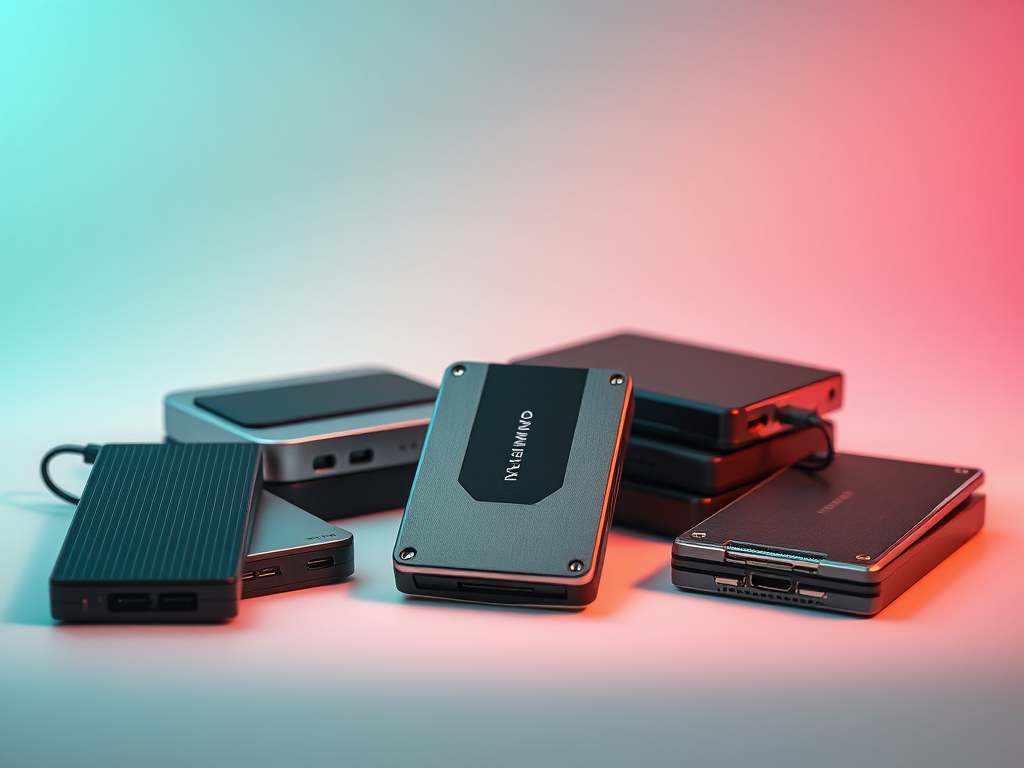
: An Engineer’s Deep Dive
In the world of design engineering, the size and complexity of digital assets are growing exponentially. Storing massive design files-ranging from complex 3D CAD models, high-resolution graphics, to layered video projects-demands external storage solutions that are not only capacious but also fast, reliable, and truly portable. This engineer’s deep dive unpacks the leading portable external drives optimized for large-scale design files, evaluating them against technical criteria critical for professionals in design, engineering, and creative industries.
This predictive development environment suite redefines how teams collaborate remotely - a true game-changer!
Why Storage Choice Is Critical for Large Design Files
Understanding the Unique Demands of Design File Storage
Design files often come with unique challenges: their size can easily range into tens or hundreds of gigabytes, requiring high throughput to avoid bottlenecks during loading or saving, and their edit cycles require low latency. In addition, portability is crucial for professionals who move between studios, client sites, or need backup redundancy. Conventional HDDs falter on performance,while typical USB thumb drives lack sufficient capacity and durability.
Key Metrics for assessing Portable Drives for Design Work
Accomplished storage solutions must be evaluated on:
- Sequential Read/Wriet Speeds: Speeds above 500 MB/s generally guarantee smooth interaction with large files.
- Random Access Performance: Crucial when working with multiple smaller design components.
- Connectivity Standards: USB 3.2 gen 2,Thunderbolt 3/4,or USB4 offer the bandwidth needed.
- Durability and Portability: Rugged casing and compact form factors.
- Storage Capacity Options: Usually 1TB and up, scaling into multiple terabytes.
- Power Requirements: USB bus-powered drives improve mobility.
- Encryption and Security: Protect intellectual property on the move.
NVMe SSDs Outsmart Traditional External HDDs for Design Files
Comparing NVMe SSD Technology vs HDD and SATA SSDs
Non-Volatile Memory Express (NVMe) SSDs leverage PCIe lanes to bypass SATA bottlenecks. External drives equipped with NVMe SSDs deliver groundbreaking read/write speeds up to 3500 MB/s and beyond, effectively eliminating delays during file transfers and loading. In contrast, traditional spinning drives typical for external HDDs offer about 100-160 MB/s, wich can stifle agile workflows.
Practical Impact of NVMe’s Speed on design workflows
Large CAD assemblies or Illustrator files can load and save within seconds rather than minutes when using NVMe drives. Additionally, high refresh rates in updates and renders foster creativity without interruption, a vital advantage for design teams working on tight deadlines.
Connectivity Protocols: The Backbone of Portable Storage Performance
Thunderbolt 3 and 4
Delivering speeds of up to 40 Gbps, Thunderbolt interfaces are the gold standard for high-performance external drives. Thunderbolt 3/4 drives are ideal for professionals using MacBooks or Windows machines equipped with these ports, enabling direct and sustained transfer rates without bottlenecks.
USB 3.2 Gen 2×2 and USB4
The latest USB standards are catching up,with USB 3.2 Gen 2×2 offering theoretical speeds up to 20 Gbps, and USB4 supporting Thunderbolt 3 protocol compatibility. These standards ensure broader compatibility while maintaining high throughput, essential for portability and convenience.
Backward compatibility and real-world Performance
While new standards offer flashy top-rated speeds, real-world throughput frequently enough subsides due to host controller limitations and cable quality. Selecting drives with multi-protocol support maximizes compatibility across various workstations and devices, ensuring consistent performance.
Top Picks: Portable External Drives for Large Design Files in 2024
Samsung Portable SSD X5
based on Thunderbolt 3 with NVMe technology, the Samsung X5 boasts read/write speeds up to 2800 MB/s. Its durable magnesium body ensures ruggedness on the go, while software-based AES 256-bit encryption safeguards sensitive design projects.
- Capacity: 500GB – 2TB
- Interface: Thunderbolt 3
- Transfer Speeds: Up to 2800 MB/s
- Ideal Use: High-end professional design workflows
SanDisk Extreme PRO Portable SSD v2
Equipped with USB 3.2 Gen 2×2, this SSD provides an excellent balance of speed (~2000 MB/s) and affordability. With IP55 rating, it’s dust and water resistant, offering a resilient option for field use alongside design laptops and tablets.
- Capacity: 500GB – 4TB
- Interface: USB 3.2 Gen 2×2
- Transfer Speeds: up to 2000 MB/s
- ideal Use: Mobile creatives needing outdoor durability
Western Digital My Passport SSD
Targeting professionals needing a more budget-conscious option, the my Passport SSD leverages USB 3.2 Gen 2 with speeds up to 1050 MB/s. While not as fast as Thunderbolt options, it excellently balances capacity, speed, and price for everyday large file storage.
- Capacity: 500GB – 4TB
- Interface: USB 3.2 Gen 2
- Transfer Speeds: Up to 1050 MB/s
- Ideal Use: General design file transfers, moderate-sized projects
Form Factor and Durability: The Portability Quotient
Compactness Without sacrificing Cooling
High-speed NVMe drives embedded inside small enclosures run hot,potentially throttling throughput during extended transfers. Modern chassis designs employ aluminum shells and heat sinks to dissipate heat effectively. choosing drives with thermal management ensures sustained performance for large file operations.
Protecting Against Physical Hazards
Design professionals frequently enough travel extensively – ruggedization with MIL-STD-810G certifications or IP ratings protects valuable assets against drops, dust, and liquids. Drives like the SanDisk Extreme PRO v2 and LaCie Rugged SSD series excel here.
encryption and Data Integrity for Design Intellectual Property
Hardware vs Software Encryption
To protect proprietary design data, hardware-based AES 256-bit encryption is preferred as it offloads security from the CPU and provides transparent encryption with minimal performance impact. Many premium portable drives include built-in encryption coupled with user authentication software.
Ensuring Data Integrity with File Systems and Backup Strategies
For multi-platform compatibility, exFAT is the default, but large design workloads may benefit from NTFS (Windows) or APFS (macOS). Implementing robust backup practices with RAID-enabled external enclosures or cloud sync subtly enhances archival integrity.
Integrations into Modern Design Workflows
compatibility with Design Software and OS Platforms
Top portable drives seamlessly integrate with Adobe Creative Cloud, Autodesk, Blender, and other design software suites with no latency or compatibility issues. Operating system drivers and utilities provided by vendors also offer monitoring, encryption management, and firmware updates.
extending Storage with Network and Cloud Solutions
While portable drives primarily address offline workflows, hybrid storage models combine local SSDs with cloud synchronization (e.g., Dropbox, Google Drive for Desktop, or AWS WorkDocs). This ensures both quick access and off-site backup for version control and disaster recovery.
Cost Analysis: Balancing Budget with Performance Needs
Cost-per-GB Trends and Value Evaluation
Price per gigabyte continues to fall, but NVMe-powered external drives still command a premium compared to SATA SSDs or hdds. For design professionals, the productivity gains and risk reduction justify higher upfront costs.
When to Push for Premium vs Entry-Level Storage
If your projects rarely exceed a few gigabytes, a mid-tier USB 3.2 Gen 2 SATA SSD provides ample speed and storage at a fraction of the price of Thunderbolt drives. However, for heavy 3D, video, or multilayer design workflows, investment in Thunderbolt NVMe drives is strategic.
Future-Proofing Your Large Design File Storage
Upcoming Technologies to Watch
Emerging USB4 proliferation, PCIe 5.0 NVMe SSDs, and advancements in SSD endurance and capacity are reshaping portable storage. Further, drives offering direct AI-assisted file indexing and metadata extraction are poised to streamline design search and retrieval.
Modular Architectures and Expandability
Emerging modular SSD platforms enable hot-swappable storage expansion,perfect for studios that require scalable yet portable storage without the cost or complexity of networked appliances.
Sustainability Considerations in Portable Drive Selection
Power Efficiency and Thermal Management
Efficient energy consumption is critical for mobile productivity, especially when running on battery-powered laptops. Drives with optimized controller chips and adaptive thermal throttling extend battery life while maintaining peak performance.
Responsible Manufacturing and E-Waste Reduction
choose vendors committed to robust product lifecycles with firmware upgradability and recycling programs to mitigate environmental impact from drive replacement cycles.
Best Practices and Pitfalls When Using Portable Drives for Design Files
safeguarding Against Data Loss
Portable drives are vulnerable to accidental drop or loss; adopting dual backups-local and cloud-minimizes catastrophic project data loss. Regular firmware updates prevent security or performance degradation.
Optimizing File Transfers and Workflow Integration
Format drives for your primary OS and schedule large file transfers during off-hours when possible. Utilize software tools to manage file versioning and synchronize between team members to reduce conflicts.
Technical KPIs for Design-Centric Storage Solutions
Latency and Throughput
Latency under 100 microseconds is ideal; throughput above 1000 MB/s is critical for real-time editing of high-res assets. These metrics directly translate into smoother project execution.
Endurance and Warranty
SSDs endure write cycles measured in terabytes writen (TBW); higher endurance models (over 600 TBW) suit heavy design usage. Warranty length and vendor support further reflect reliability.
Summary: Selecting the Ultimate Portable drive for Your Design Needs
Choosing the best portable external drive for large design files demands a carefully balanced synthesis of speed, capacity, durability, and compatibility. Professionals investing in cutting-edge NVMe Thunderbolt drives can unlock unprecedented workflow efficiencies while maintaining portability and security.
For those with budget or compatibility constraints, premium USB 3.2 Gen 2×2 drives present excellent alternatives with high speed and rugged resilience. The future of portable design storage is moving toward even faster interfaces,modular expandability,and smarter workflow integration - making now a pivotal moment to equip workflows accordingly.
_This predictive development environment suite redefines how teams collaborate remotely – a true game-changer!_