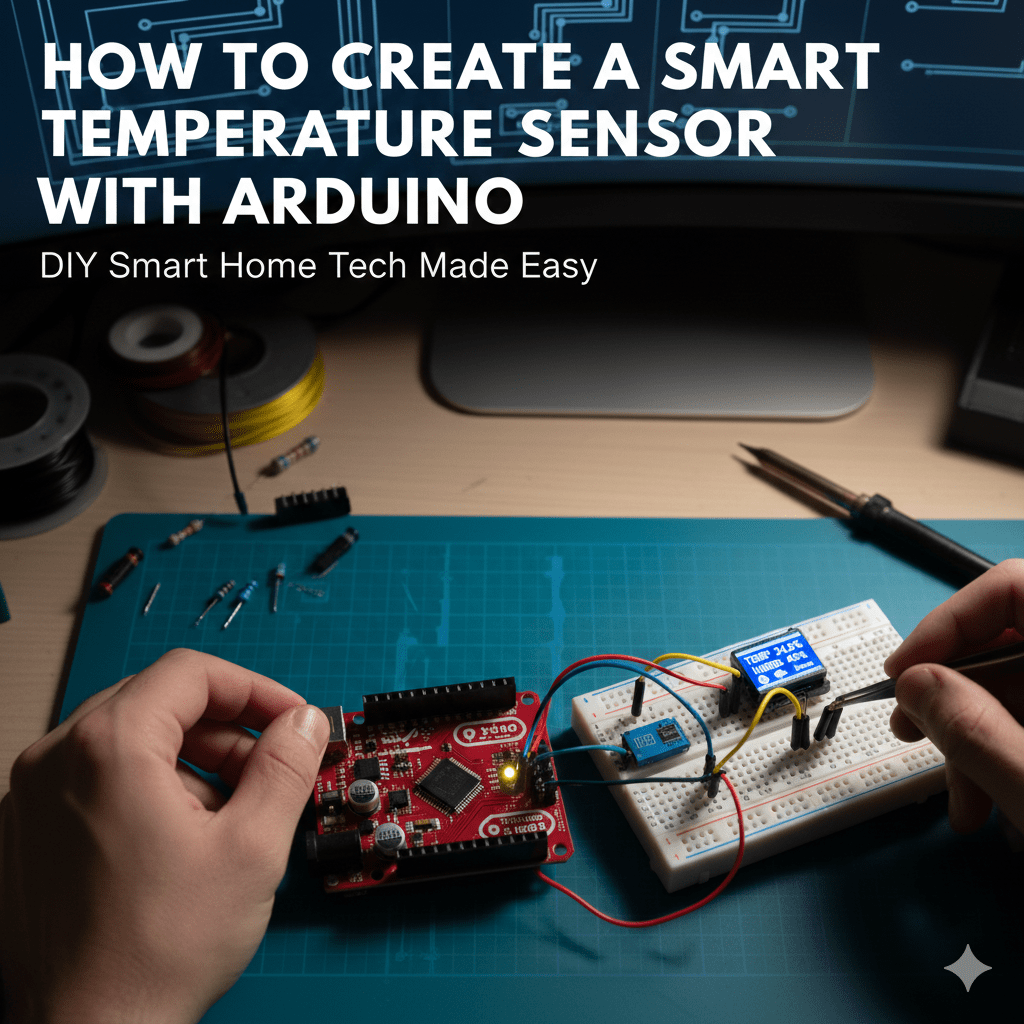
How to Create a Smart Temperature Sensor with Arduino: An Engineer’s Deep Dive
Creating a smart temperature sensor using Arduino involves much more than simply reading values from a thermistor or digital sensor. It requires purposeful hardware integration, precise calibration, embedded software design, and reliable data communication strategies. This article navigates these complexities with analytical rigor and hands-on insights, catering to developers, engineers, and technical leaders invested in IoT, environmental monitoring, or embedded system innovation.
Understanding teh Core Components of a Smart Temperature Sensor with Arduino
Arduino as a Platform for Temperature Sensing
Arduino’s accessibility,robust community support,and versatile I/O capabilities make it an ideal controller for prototyping smart temperature devices. whether using an Arduino Uno, Mega, or a power-efficient variant like the MKR series, the platform offers enough analog and digital ports for sensor interfacing and communication modules such as Wi-Fi or Bluetooth.
temperature Sensors: Types and Selection Criteria
The choice of sensor fundamentally dictates your smart sensor’s accuracy, responsiveness, and cost. Common sensors compatible with Arduino include:
- Analog Thermistors (NTC/PTC): Simple voltage divider circuits allow analogue temperature readings but require calibration and noise filtering.
- Digital Sensors (DS18B20, TMP36): Provide digital output, reducing signal noise and enhancing measurement repeatability.
- Infrared Sensors: Useful for contactless measurement but entail more complex optics and calibration.
among these, the DS18B20 digital sensor stands out for its 9 to 12 bit precision, ease of wiring (1-wire protocol), and widespread library support.
Integrating Communication Modules for Added Intelligence
A “smart” sensor goes beyond measurement. Embedding wireless transmission, edge computing, or cloud synchronization layers greatly expands the device’s functionality. Popular networking options include:
- ESP8266/ESP32 modules: Seamless Wi-Fi integration with Arduino-compatible libraries.
- Bluetooth Low Energy (BLE): For close-range mobile app interfacing.
- LoRaWAN: Enables low-power long-range communication, ideal for distributed sensor networks.
Designing the sensor Architecture for Accuracy and Scalability
Signal Conditioning and Noise Reduction Techniques
Raw sensor outputs are prone to noise, drifting, and ambient interferences that can skew results. Including analog filters, voltage regulators, or shielded cabling enhances fidelity. For example, placing a 0.1μF ceramic capacitor near analog sensor pins stabilizes signal reads in noisy environments.
Strategic Power Management to Extend Deployment Life
If battery-powered, optimizing power is crucial. Components like low-power Arduino boards, sleep modes, and sensor polling intervals govern long-term operation feasibility. Developers should implement watchdog timers and minimize Wi-Fi transmission bursts to conserve energy.
Data Calibration and Validation Framework
Real-life temperature readings must be calibrated against reliable standards to adjust raw sensor data. This can be done thru algorithmic offsets, polynomial fits, or real-time auto-calibration routines. Incorporating redundancy with multiple sensor arrays improves reliability and error detection.
Programming the Arduino: Advanced Techniques for Real-Time Temperature monitoring
Writing Efficient Sensor reading Loops
Effective code is the backbone of accurate data acquisition. Avoid blocking functions like delay() which stall loop execution.Rather,use non-blocking timer frameworks like millis() to read sensors at fixed intervals. This ensures responsiveness and supports concurrent operations such as data logging or communication.
Implementing Filtering Algorithms in Firmware
To smooth output noise without sacrificing temporal resolution, software-based filters such as Moving Average, Kalman, or Exponential weighted Moving Average (EWMA) can be implemented. For example:
// Example: Simple Moving Average Filter
const int samples = 10;
float readings[samples];
int index = 0;
float total = 0;

void loop() {
  total -= readings[index];
  readings[index] = analogRead(A0);
  total += readings[index];
  index = (index + 1) % samples;
  float avg = total / samples;
  // use avg for temperature conversion
}
Leveraging Interrupts and Multi-Tasking for Sensor Fusion
Advanced applications demand simultaneous data from multiple sensors beyond temperature - humidity, pressure, gas levels – necessitating interrupt-driven architectures or lightweight RTOS implementations. This approach reduces latency and increases the system’s smartness quotient.
Smart Temperature Sensor Calibration and Accuracy Enhancement
Utilizing Reference Points and Known Standards
calibration must anchor measurements to physically known temperature points – commonly ice bath at 0°C and boiling water at 100°C under standard pressure. Using these references,a lookup table or polynomial correction can fix systematic inaccuracies.
Automating Calibration with Machine Learning Models
Integrating lightweight ML algorithms embedded in the arduino (or an attached edge processor) can compensate for sensor drift over time by learning patterns in sensor data against external calibrated measurements. TensorFlow Lite Micro libraries facilitate this novel approach.
Avoiding Common Calibration Pitfalls
- Ignoring ambient factors like humidity and airflow which effect readings
- utilizing unclean or faulty sensor probes
- Failing to recalibrate after environmental shocks or prolonged use
Data Transmission and Integration with Cloud Services
Protocols for Sensor Data Communication
Choosing the right transport protocol governs range, reliability, and power tradeoffs:
- MQTT: lightweight pub/sub protocol optimized for constrained IoT devices with keep-alive options
- HTTP/HTTPS: Universal but heavier protocol suited for direct RESTful calls where power is less constrained
- CoAP: Designed for low-power devices with UDP-based compact messaging
Cloud Platform Options to Store and Visualize Temperature Data
Platforms such as AWS IoT Core, Google Cloud IoT, and Azure IoT Hub provide managed ingestion, processing, and visualization services. Their built-in analytics and alerting can turn a simple sensor into a scalable monitoring solution across industries.
Ensuring Data Security in IoT Deployments
Smart temperature sensors often operate in sensitive environments, necessitating encryption (TLS/SSL), identity management (certificates, tokens), and secure firmware updates. Neglecting security risks data integrity and user trust.
Practical Applications of Smart Arduino-Based Temperature Sensors
Industrial Automation and predictive Maintenance
Smart temperature sensing is critical in industrial settings, where temperature anomalies frequently enough precede equipment failures. An Arduino sensor network integrated with cloud analytics enables real-time condition monitoring and automated alerts, reducing downtime and maintenance costs.
Smart Homes and Environmental Control Systems
Home automation ecosystems leverage these sensors to optimize HVAC operations, improve energy efficiency, and enhance occupant comfort. When paired with voice assistants and mobile apps, Arduino sensors become integral smart home components.
Agricultural Monitoring and Climate Adaptation
Precision farming benefits from distributed temperature sensors for microclimate monitoring-informing irrigation, frost warnings, and crop cycle optimization. The low cost and flexibility of Arduino solutions make large-scale deployments economically feasible.
Challenges and Limitations in Smart Temperature Sensor development
Hardware Constraints and Environmental Factors
Physical sensor materials limit operational temperature range and sensitivity. Extreme humidity, dust, EM interference, or mechanical stress impact sensor reliability and signal quality.
Firmware Complexity and Maintenance
As sensor features expand toward ML or multi-sensor fusion, firmware must grow equally refined, requiring rigorous development and testing workflows to avoid bugs and ensure maintainability.
Cost vs. Performance Tradeoffs
Balancing sensor accuracy, connectivity options, and battery life against project budgets remains a persistent design tradeoff. Designers must prioritize features that maximize impact with lean resource use.
Future Directions: Redefining Performance Benchmarks in Embedded Temperature sensing
edge AI and Adaptive Sensing
Embedded tiny machine learning models will soon enable smart sensors to auto-calibrate, self-heal, and contextually interpret data in real time, surpassing customary performance limits.
advanced materials and Flexible Electronics
Emerging temperature-sensing films and flexible circuitry will allow conformal sensors that integrate unobtrusively into complex surfaces and wearables.
Interoperability and Standardization Efforts
Evolving IoT standards like Industrial Internet Consortium frameworks promise unified protocols and data models,facilitating seamless integration of distributed temperature sensors into broader ecosystems.
Step-by-Step Guide to Assemble and Deploy Your Arduino Smart Temperature sensor
Hardware Assembly Checklist
- Arduino board (Uno/Mega/MKR) with USB cable
- DS18B20 temperature sensor with 4.7kΩ resistor
- Breadboard and jumper wires
- Wi-Fi module (ESP8266/ESP32) or option comm. module
- Power supply or rechargeable battery pack
Connecting the Sensor to Arduino
- Connect the DS18B20’s red wire to 5V (or 3.3V depending on board and sensor specs).
- Attach the black wire to ground (GND).
- Connect the yellow data wire to a digital input pin (e.g., D2).
- Place a 4.7kΩ resistor across the red (power) and data line (yellow) as a pull-up resistor.
Sample Firmware Deployment
// Include OneWire and DallasTemperature libraries
#include
#include

#define ONE_WIRE_BUS 2

onewire oneWire(ONE_WIRE_BUS);
DallasTemperature sensors(&oneWire);

void setup() {
  Serial.begin(9600);
  sensors.begin();
}

void loop() {
  sensors.requestTemperatures();
  float tempC = sensors.getTempCByIndex(0);
  Serial.print("Temperature: ");
  Serial.print(tempC);
  Serial.println(" °C");
  delay(2000);
}
Integrating Wireless Data Transmission
To send data to the cloud, establish Wi-Fi connectivity using the ESP8266 or ESP32 with libraries such as WiFi.h and PubSubClient.h for MQTT publishing. Ensure secure credential storage and resilient reconnect logic.
Conclusion: Beyond the Basics-Charting a path to Smarter, More Responsive IoT sensors
Mastering the creation of a smart temperature sensor on arduino lays a foundation for deeper exploration into sensor fusion, edge AI, and full-stack IoT system design. As sensors become increasingly intelligent and pervasive, the role of embedded engineers expands beyond measurement into real-time decision making and autonomous operations. If your project achieves robust accuracy, power efficiency, and seamless connectivity, you will have successfully built a device at the frontier of embedded temperature sensing technology.