The Safest Way to Connect Smart Devices on Your Wi-Fi Network
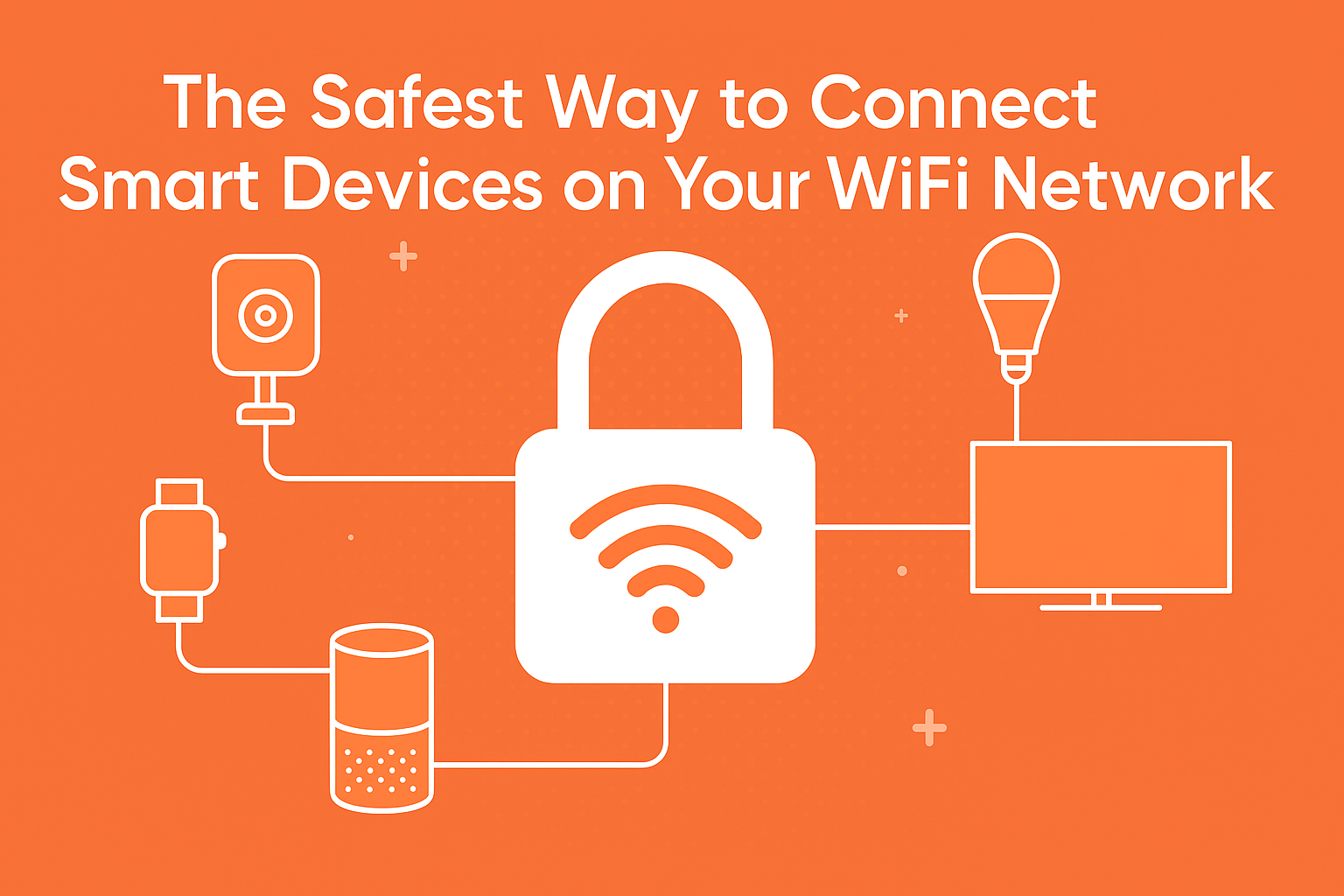
Connecting an array of smart devices to your Wi-Fi network can enhance the convenience and functionality of any modern home or workplace. However, with increased connectivity comes the pressing need for security.Understanding the safest methods for connecting these devices is crucial for maintaining personal data integrity and safeguarding networks from cyber threats. This article will deeply investigate how to connect smart devices securely, focusing on robust security protocols, device management practices, and industry best practices.
The Vulnerable Landscape of IoT Connectivity
The rapid proliferation of Internet of Things (IoT) devices marks a notable shift in how we interact with technology. Despite thier numerous advantages, these devices often have security vulnerabilities due to their wide-ranging compatibility and diverse manufacturers. Unlike conventional computing systems, IoT devices may not receive regular security updates, leaving them exposed to severe risks. A comprehensive understanding of the threats can empower users to mitigate potential dangers effectively.
Common Threats in IoT Environments
- Unauthorized Access: Weak authentication methods can allow unauthorized users to control devices remotely.
- data Breaches: Insufficient encryption may lead to sensitive data being intercepted during transmission.
- Malware Attacks: Compromised devices can be manipulated to execute distributed denial-of-service (DDoS) attacks.
Choosing the Right protocols for Secure Connections
Not all wireless protocols are created equal. Understanding the differences among Wi-Fi standards and choosing the right one for IoT devices is essential. As a notable example, using Wi-Fi 6 (802.11ax) offers enhanced security features like WPA3, superior bandwidth, and better range compared to its predecessors.
Security Protocols Overview
| Protocol | Key Features | Security Level |
|---|---|---|
| WPA2 | robust encryption, personalization options | Strong |
| WPA3 | Simultaneous authentication, increased encryption | Very Strong |
Implementing Advanced Encryption Methods
Encryption serves as the backbone of secure communication between smart devices. Utilizing strong encryption standards, such as AES (advanced Encryption Standard), ensures that data remains unreadable to unauthorized parties. Implementing these methods during the connection phase can significantly enhance security.
Layered Security Techniques
Employing layered security not only bolsters protection but ensures redundant safety measures are in place should one layer fail.
Wireless Network Segmentation Strategies
Creating separate networks for smart devices can drastically reduce risk exposure. Network segmentation involves exposing IoT devices to the internet so they can’t interact with other sensitive devices connected to the network, such as personal computers or servers. Setting up a guest network specifically for these devices is one strategic approach.
Steps to Set Up a Guest Network
- Access your router’s settings through a web browser.
- Look for options labeled as ’Guest Network’ or ‘SSID.
- enable the guest network and set a strong password.
- limit the access of the guest network to the internet only, preventing access to other internal devices.

Regular Software Updates: An Integral Habit
Manufacturers release updates for smart devices to fix known security vulnerabilities and improve functionality. Regularly updating the software of each connected device is crucial for maintaining security and stability within your network. Staying informed about available updates typically involves enabling automatic updates or subscribing to alert services from manufacturers.
How to Manage Device Updates
- Regularly check the manufacturer’s website or app for firmware updates.
- Consider subscribing to notifications for your devices for timely reminders.
- Keep a checklist of devices requiring updates.
Pairing Enhanced Authentication Methods
One of the most effective ways to secure connections is through authentication methods such as two-factor authentication (2FA) or biometric authentication. These methods make it significantly harder for malicious actors to gain unauthorized access to your devices.
Implementing Two-factor Authentication (2FA)
- Enable 2FA on the manufacturer’s website or associated app.
- choose your preferred method of receiving authentication codes (SMS, email, or an authentication app).
- Store your recovery codes in a secure location.
Monitoring Your Network for Anomalies
establishing a routine for monitoring network traffic can help identify unauthorized access or potential intrusions. Utilizing network monitoring tools can keep you alert to any unusual behavior, allowing for timely responses to threats. Tools like Fing or GlassWire can offer user-kind interfaces to track connected devices.
Effective Network Monitoring Steps
- Regularly check the logged devices on your network.
- Identify unknown devices and investigate any suspicious activity.
- Set alerts for unusual levels of data consumption.
Conclusion: Cultivating a Secure Digital Ecosystem
As the integration of smart devices continues to advance, so too must our strategies for securing these connections. Implementing advanced encryption, making use of secure protocols, and adhering to best practices in device management will enhance your network’s safety. By fostering a vigilant approach to device connectivity and network monitoring, users can significantly curb potential threats while enhancing their smart technology experience.