The Most User-Friendly Smart Home Systems for Beginners
in recent years, the smart home industry has exploded, with a multitude of devices and ecosystems designed to make our lives more convenient and connected.However, for many individuals, especially those new to technology, the sheer number of options can be overwhelming. This article aims to elucidate the most user-friendly smart home systems currently available for beginners, diving into their features, integration capabilities, and overall usability.
Understanding Smart Home systems
What Constitutes a Smart Home System?
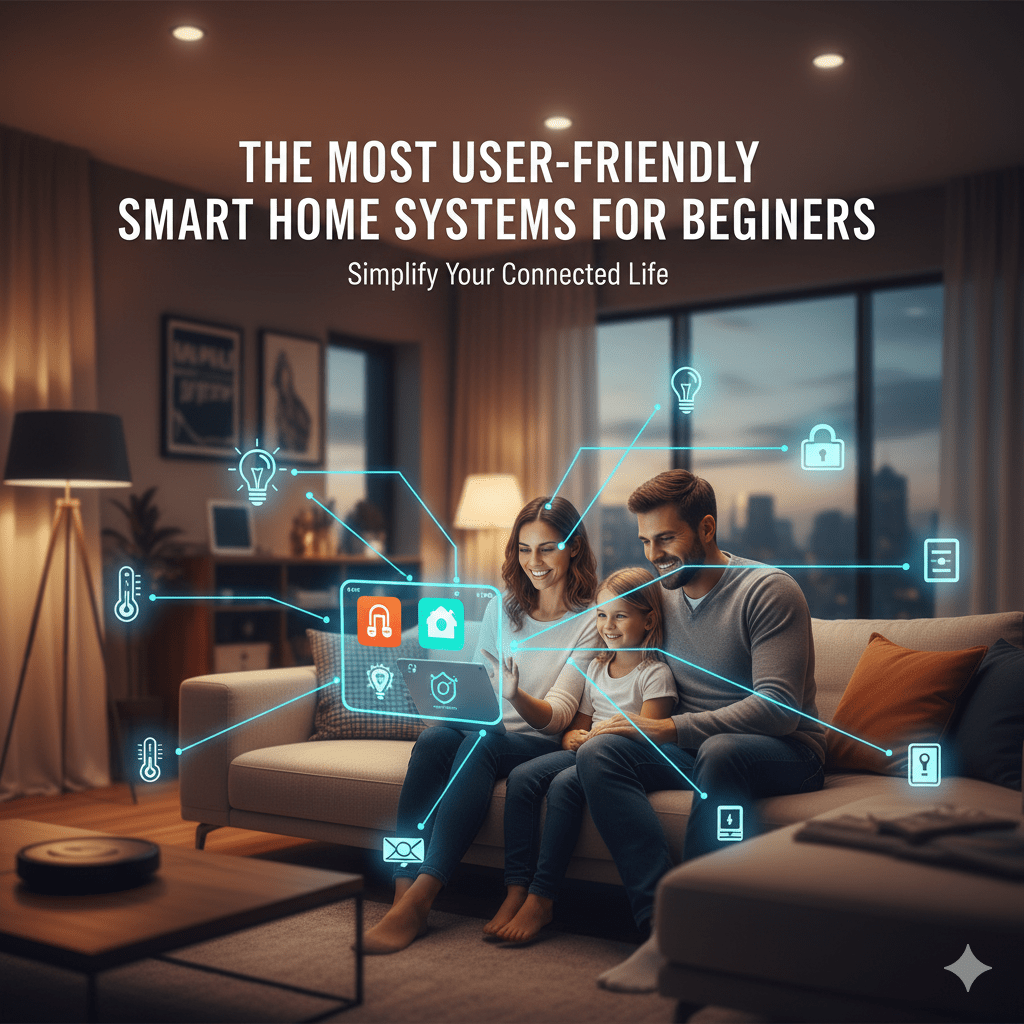
A smart home system integrates various devices and appliances that can be controlled remotely through a smartphone, tablet, or voice-activated assistant. These systems allow for automation, making it easier to manage home lighting, security, heating, and entertainment with simple commands or pre-established routines.
Key Features of User-Friendly Systems
The most user-friendly smart home systems tend to share several characteristics:
- Intuitive interfaces: A clean and simple user interface ensures that users can navigate and control devices without prior experience.
- Robust Integration: Compatibility with a range of devices and platforms enhances functionality.
- Voice Control capabilities: A system that supports voice commands opens the door for hands-free operation.
- Comprehensive Customer Support: accessible support resources, tutorials, and community forums empower users to troubleshoot issues independently.
Top Contenders for Beginners
1. Amazon Alexa and Echo Ecosystem
Amazon’s Alexa platform is frequently enough hailed as one of the most beginner-friendly smart home systems. The seamless integration of Echo devices creates a unified ecosystem where users can control lighting, security cameras, smart thermostats, and more using voice commands. The Alexa app provides an intuitive dashboard for device management and integration, minimizing the learning curve for new users.
2. Google assistant and Nest Hub
Google offers a user-friendly interface through its Google Assistant, and integrating smart devices is straightforward via the Google Home app. The Nest Hub acts as a central control point for all smart devices, enabling users to command an array of devices simply by using their voice for both commands and inquiries.
3.Apple HomeKit
For existing Apple users, HomeKit provides a familiar ecosystem that integrates with iOS devices. The Home app allows for a seamless setup, and the experience is enriched with features like automations and scenes. Additionally, the security standards associated with HomeKit can reassure users concerned about privacy.
4. Samsung SmartThings
Samsung’s SmartThings platform is highly versatile, accommodating a variety of smart devices and protocols.Its straightforward mobile submission and the SmartThings Hub provide a great introduction to home automation for beginners.The ability to bring different brands and technologies together under one umbrella makes it a strong contender.
5. Philips Hue
While primarily known for smart lighting, Philips Hue offers a user-friendly ecosystem that’s easily accessible. The app allows users to control lighting scenes, automate schedules, and integrate with other smart home devices, making it an ideal starting point for beginners who want to introduce smart technology into their homes gradually.
Making the Right Choice
assessing Your Needs
Before diving into the world of smart home systems, it’s crucial to assess your specific needs.Are you interested primarily in security, comfort, or energy efficiency? Understanding your primary goals will enable you to choose a system best suited to your lifestyle.
Setting a Budget
Smart home systems can vary widely in price. It’s essential to establish a budget before making any purchases and to consider not just the cost of devices, but also installation (if necessary) and any potential subscription fees for services.
Future-Proofing Your Investment
Considering the rapid evolution of technology, look for systems that offer expandable features and are compatible with upcoming devices.Opting for systems that provide firmware updates and new capabilities can prolong the lifespan of your investment.
Start with the Basics
Choosing the Right Hub
Selecting a compatible hub can considerably simplify the management of your devices. Many smart home systems are compatible with multiple protocols (like Zigbee or Z-Wave), so ensuring compatibility allows you to expand your system in the future with ease.
Connecting Your first Device
Once you’ve selected your smart home system, start by connecting your first device-whether it’s a smart thermostat, smart light bulb, or security camera. Follow the manufacturer’s setup guide carefully and utilize online resources, including community forums and video tutorials, if you encounter difficulties.
Customization and Automation
Creating Scenes and Routines
A major advantage of smart home systems is the ability to create customized scenes or routines. As a notable example, you can program your home to dim the lights and set the thermostat to a cozy temperature automatically when it’s movie night. this level of automation enhances comfort and improves energy efficiency.
Utilizing Voice Commands
Voice control adds another layer of convenience. For example, simply saying “turn off the kitchen lights” eliminates the need to use your smartphone or remote. Exploring available voice commands specific to your smart home system can greatly enhance the user experience.
Maintaining Your Smart Home System
Routine Checks and Updates
Ensuring that your smart home system runs smoothly requires regular maintenance. Check for firmware updates for all devices and perform routine assessments to verify the network connection and functionality of each component.
Troubleshooting Common Issues
Problems may arise,from devices not responding to network connectivity issues. Familiarizing yourself with common troubleshooting steps can definitely help resolve issues promptly and keep your smart home functioning optimally. don’t hesitate to utilize online forums and support resources if problems persist.
Looking Ahead: The Future of Smart Home Technology
Innovations on the Horizon
As technology continues to advance, we can expect even smarter home systems equipped with more intuitive interfaces, enhanced AI capabilities, and expanded interoperability. Features like predictive behavior based on user patterns, advanced security features, and greater integration with Internet of Things (IoT) applications will likely dominate future developments in the smart home sector.
Conclusion: Your Smart Home Journey Begins
Embarking on the journey towards a smart home doesn’t have to be daunting. With the right system, you can enhance your lifestyle with convenience, security, and energy efficiency. By choosing user-friendly technologies, assessing your unique needs, and staying informed about the latest advancements, you’ll not only enjoy your smart home but also pave the way for an even smarter future.