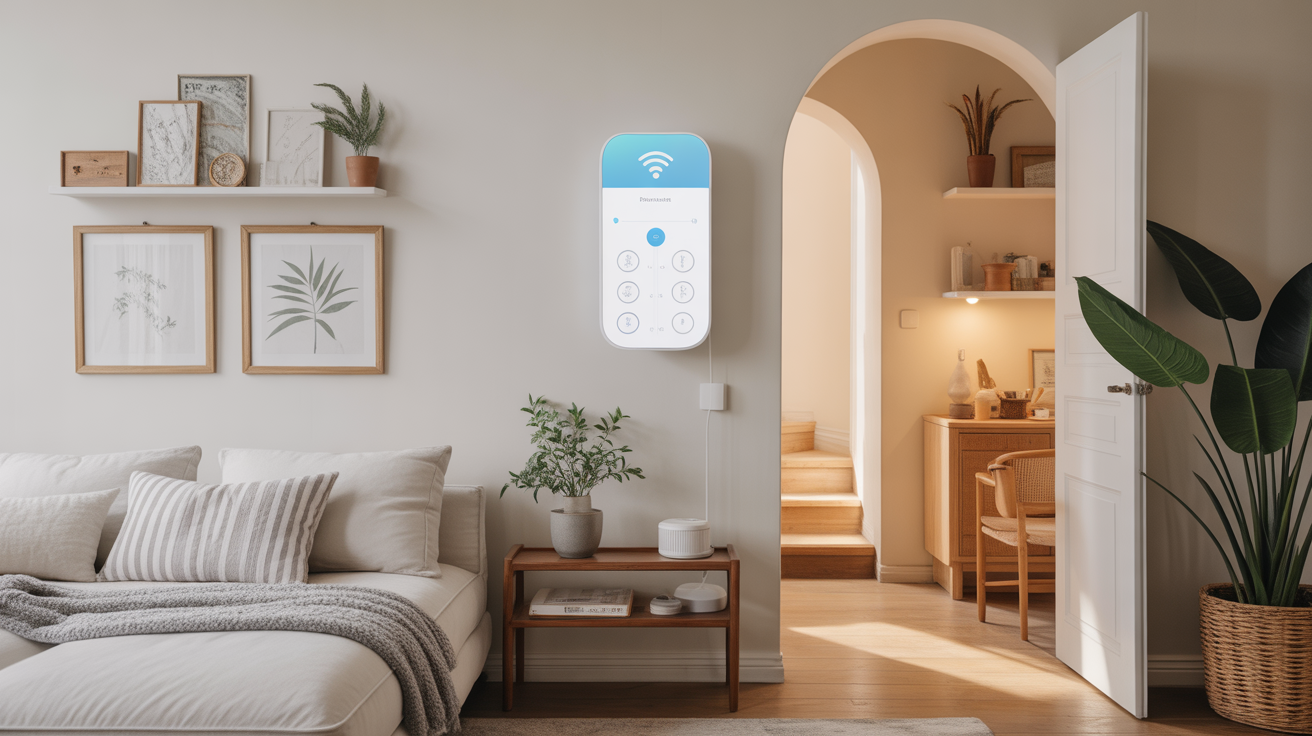
Understanding the Appeal of Simplicity in Smart Home Systems
Smart home technology has revolutionized the way we live, enabling unprecedented levels of convenience and automation. Though, for many individuals, the intricate setup processes and overwhelming options can transform this promise into a source of frustration. This dichotomy highlights a critical need: smart home solutions that deliver functionality without complexity. developers, engineers, and tech enthusiasts are now in a position to innovate in ways that resonate with users who prioritize ease-of-use. Understanding user pain points is key to creating intuitive solutions in this space.
Smart Lighting: Effortless Control at Your Fingertips
Lighting is often the first step people take in crafting a smart home habitat. Brands like Philips Hue provide seamless setups that require minimal technical knowledge. Utilizing Bluetooth connectivity simplifies installation; users can pair lights directly with their smartphones without the need for a dedicated hub. This eliminates the customary hurdles associated with smart technology, enabling swift implementation and allowing users to revel in the transformative aesthetic of smart lighting.
How to Set Up Your Smart Lighting
1. Choose smart bulbs compatible with Bluetooth connections.
2. Download the dedicated app.
3. Pair the bulbs with the app following the on-screen prompts.
4. Customize your lighting preferences through intuitive controls.
Smart Plugs: Simplifying Everyday Devices
Smart plugs represent an excellent entry point for anyone wary of complex setups. These devices enable traditional appliances, such as coffee makers or lamps, to connect to smart networks. the setup is typically as simple as plugging the device into a wall outlet and then the appliance into the smart plug before configuring it via a mobile app. This approach makes transitioning to a smart home seamless and affordable.
Checklist for Smart Plug Setup
- Check the wattage limit of your smart plug.
- Ensure your Wi-Fi network is stable for reliable connectivity.
- Install the app that corresponds to your smart plug manufacturer.
Smart Home Security: Streamlined Monitoring Solutions
Home security systems have traditionally been complex and cumbersome. However, brands such as Ring and Arlo are paving the way for easier installation.Their devices often come in wireless kits that can be installed without professional assistance. Setup usually involves mounting cameras or alarms and configuring them through an app. These devices empower users to monitor their spaces with minimal fuss, allowing them to feel safe without the complexities of traditional security systems.
Potential Pitfalls to Consider
1.Ensure cameras have rechargeable battery options to avoid cumbersome wiring.
2. Consider privacy implications and ensure proper placement to cover necessary angles without infringing on neighbors’ space.

Voice-Activated Assistants: A Simple Solution for Control
Voice assistants like Amazon Alexa and Google Assistant provide a pivotal user interface that simplifies interaction with various smart home devices. By relying on voice commands, users can control everything from lighting to temperature settings without the need for mobile apps. Voice recognition has evolved to the point where most instructions can be accurately understood, negating the need for complex interactions.
Best Practices for Voice-Activated Setup
1.Ensure that the device is placed in an area with robust microphone reach.
2. Familiarize yourself with voice command terminology specific to the assistant being used.
3. Regularly update the assistant’s software to access new features and improvements.
Smart Thermostats: Clever comfort with Minimal Effort
The introduction of smart thermostats has transformed climate control in homes. Devices like the Nest Learning Thermostat adapt to user behavior, offering automated temperature adjustments that not only enhance comfort but also promote energy efficiency. Installation typically requires only basic tools and can often be completed in a matter of minutes, making them a low-barrier option for homeowners seeking automation.
Installation Guide for Smart Thermostats
- Turn off the power to your HVAC system.
- Remove the old thermostat and note the wiring connections.
- Install the new thermostat by matching the labeled wires.
- turn on the power and follow guided setup on the device.
Smart Speakers: Entertainment and Home Management in One
Smart speakers, such as the Apple HomePod and Amazon Echo, serve dual purposes: they deliver high-quality audio and provide a hub for controlling other smart devices. They allow users to enjoy music while together managing their smart home ecosystem, combining entertainment and utility.Given their user-friendly nature and straightforward app integrations, they stand out as one of the easiest components of a smart home.
Choosing the Right Smart Speaker
- Assess compatibility with existing smart devices.
- Consider sound quality as a key factor.
- Evaluate voice assistant preferences for optimal compatibility.
Home Automation routines: Making Life Easier
Creating automation routines can take the burden off users by handling repetitive tasks. Platforms such as IFTTT (If This Then That) allow users to set commands based on specific triggers, like the time of day or a user’s location. These routines streamline operations, allowing systems to perform tasks independently, thereby reducing the reliance on user interaction. The simplicity of setting up these routines significantly enhances the overall user experience.
Common Automation Routines
- Activate security lights at sundown.
- Set the thermostat to adjust temperature when leaving for work.
- Send alerts if security cameras detect motion.
Smart Doorbells: An Eye on your Front Door
Smart doorbells have rapidly gained popularity due to their straightforward installation and enhanced security features. Products like the Ring Video Doorbell allow users to see and communicate with visitors through their mobile devices.The process is typically as simple as replacing existing doorbell wiring or relying on batteries, allowing for rapid deployment without excessive technical know-how.
Installation Tips for Smart Doorbells
1.Check compatibility with existing home wiring.
2. Ensure that the Wi-Fi signal is strong at the location of installation.
3. follow manufacturer instructions for alignment and positioning.
Smart Appliances: Enhancing Kitchen efficiency
smart appliances like refrigerators and ovens are designed to work with existing setups while introducing advanced functionalities.For example,a smart fridge can send alerts when groceries are running low,or a smart oven can preheat remotely. Many brands are focusing on straightforward mobile app integration, ensuring that even the most technologically hesitant users can take advantage of these modern conveniences.
Navigating Smart Appliance Choices
- Consider connectivity and compatibility with existing smart home systems.
- Look for user-friendly mobile applications.
- Evaluate energy ratings for efficiency.
Home Sensors: Peace of Mind in a Compact Package
Smart sensors for smoke, gas, or water leaks provide essential monitoring without added complexity. Companies like Nest offer devices that can be set up with minimal fuss, usually requiring a chat with your smartphone app instead of dealing with an elaborate installation. The reassurance of digital alerts allows homeowners to be proactive-a important comfort in protecting their families and property.
Key considerations for Selecting Home Sensors
- Opt for sensors that integrate well with your existing smart home ecosystem.
- Ensure compatibility with mobile alerts for immediate notifications.
- Look for battery-operated options for flexible placement.
Smart Curtains and Blinds: Automating Light Control
Smart curtains and blinds, while less mainstream, offer a unique addition to the smart home ecosystem with surprising ease of use. These devices can be controlled via apps or voice commands to adjust natural light, contributing to both aesthetics and energy efficiency. Installation typically involves straightforward mounting, making them accessible even to those leaning toward simpler solutions.
steps to Choose and Install Smart Curtains
- Select curtains or blinds that seamlessly fit your window dimensions.
- Read the installation guide carefully for best practices.
- Configure them using their accompanying app for optimal user experience.
cloud-Based Integrations: Enhancing Compatibility
As smart home ecosystems evolve, cloud-based platforms become essential for unifying disparate devices. Solutions like Samsung SmartThings offer robust compatibility with various device types while minimizing setup complexity. This integration allows users to centralize their control panel, making it easy to manage everything from smart lighting to security systems. The end result is an adaptable environment catering to user preferences without overwhelming technical requirements.
The Path Forward: Emphasizing User-Centric Design
As the desire for smart home technologies continues to grow, it’s vital for manufacturers and developers to focus on user-centric designs that prioritize simplicity and ease of use. the transition towards automation must not become a barrier for those who desire efficiency without the headaches of complex installations. by innovating and enhancing product designs that cater to this demographic,we can genuinely elevate the smart home experience,ultimately encouraging larger adoption rates and a more engaged consumer base. The future of smart homes lies in making technology intuitive, offering comfort and security more than complexity.